

If you had asked me to define UX design while I was completing my final semester of computer engineering in 2018, I would not have had an answer. In fact, I remained unaware of its existence until I started my first job. It was then that I found my calling. For the past five years, I have been steadily learning about and exploring UX design. This post details my journey, and provides some resources I found along the way!
MY PATH TO UX DESIGN
Holding two Bachelors degrees in vastly opposite areas – illustration and computer engineering – I found myself at an impasse to connect the creative freedom offered by the arts to the logical clarity found in STEM. I joined my first job as an entry-level software developer promptly after graduation, and initially decided to pursue front-end development, as it is quite visual compared to other forms of development. Front-end development essentially deals with how a webpage or application interacts with the end user, such as buttons, tables, forms fields, and most important – user interfaces and user experience.
As I learned more about these latter components, I ended up fully invested since I discovered they perfectly combined creativity with logic. It also helped that I worked closely with the team’s principal UX designer at the time, developing custom page components that she signed off on. When she noticed my interest in UX, she invited me to shadow her during user testing sessions, user interviews, and even creation of high-fidelity mockups. I eagerly jumped at the opportunity and soaked up as much information as I could, taking additional UX design courses in my free time. My job title ended up being quite unique due to my new-found interest; I became a hybrid UX developer/designer, focused on 75% front-end development and 25% UX design.
Eventually the principal UX designer left to pursue opportunities elsewhere in 2019, so my UX workload increased. Thus, I became a full-time UX designer and joined a newly formed UX team. To bolster my knowledge further, I took UX certification courses and started my Masters in Interactive Media and Communications at Quinnipiac University in 2022.
Fast forward to 2023, I felt the urge to focus fully on my Masters curriculum and professional/personal development, so I left my job. That brings me to present day, in the process of completing my Masters Capstone and set in graduate in May. During the journey of finding and falling in love with UX design, I uncovered various resources which helped me along the way. Below are my top 5!
5 UX RESOURCES TO HELP PAVE THE WAY
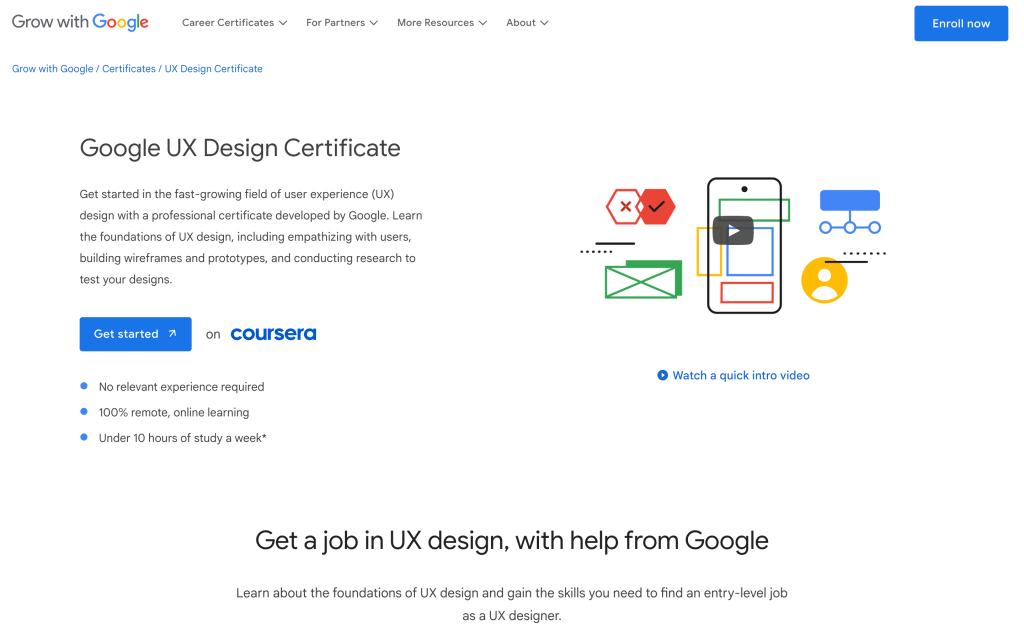
- Google UX Certification Course – Taking the initial 5 classes of this course, in which students developed a portfolio project and learned all the ins-and-outs of user-centered design, gave me a strong foothold to depend on and I highly recommend doing this certification.
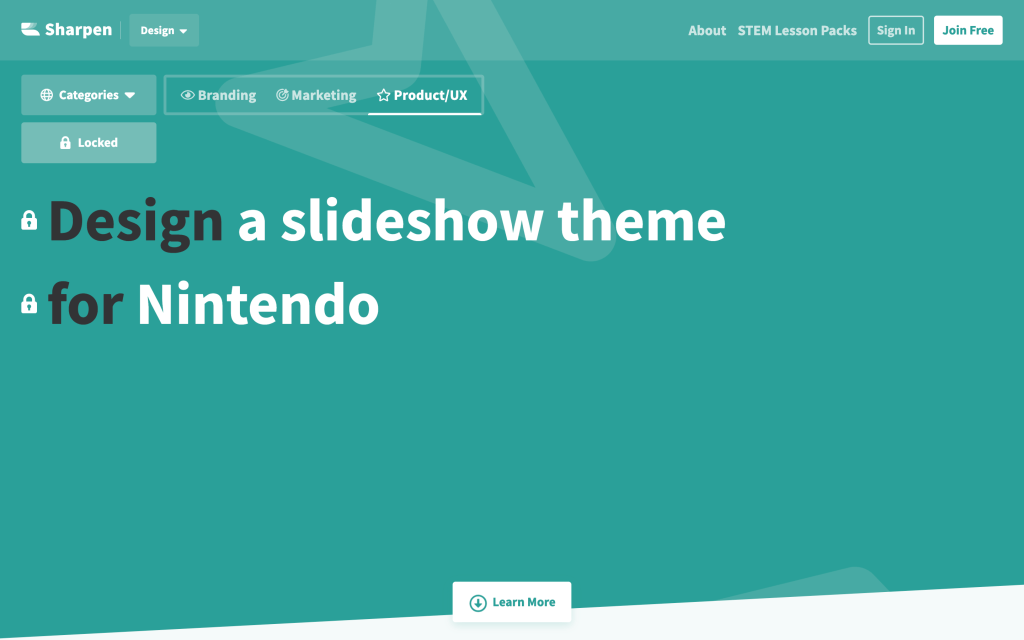
- Sharpen – A design prompt generator that is perfect for creative ruts or potential portfolio projects.
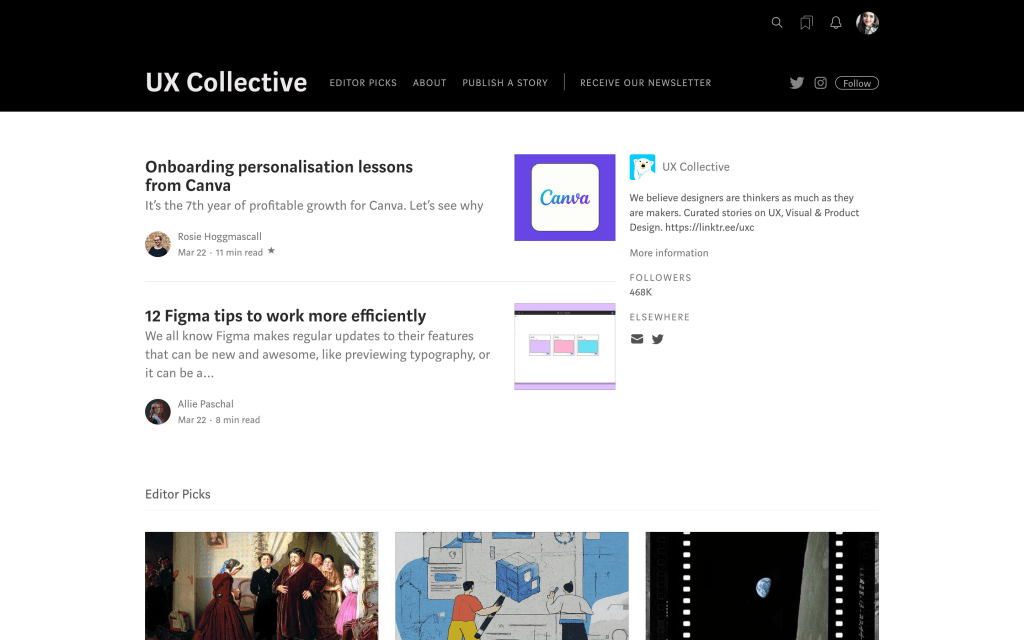
- UX Collective – Scrolling through the many articles on this independent UX blog proves an inspiring experience to see so many UX professionals in one place.
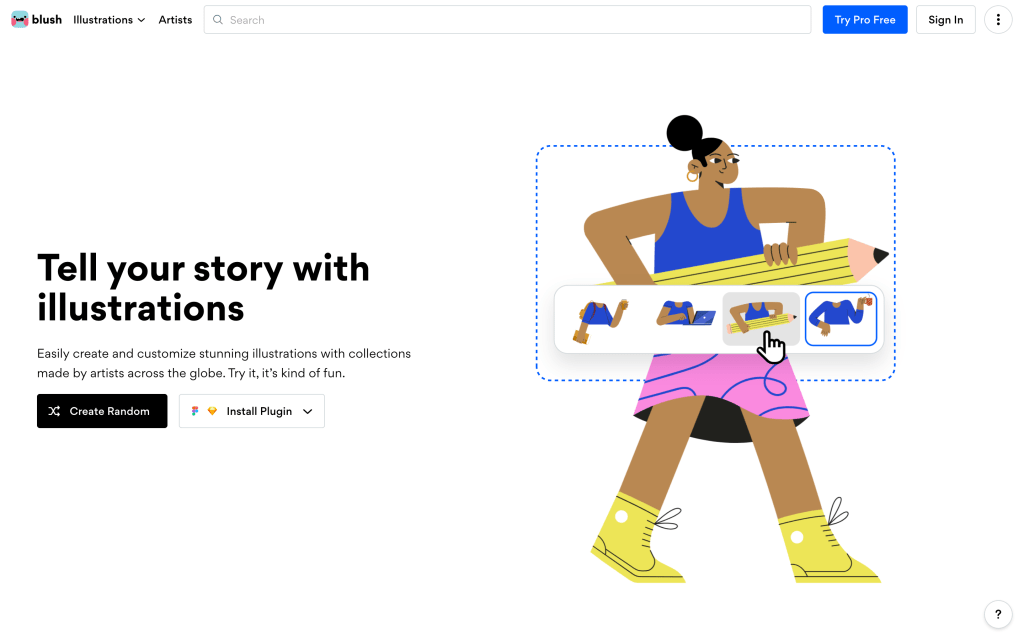
- Blush – An illustration generation tool that is freely licensed and features assets created by real artists – handy for personas, storyboarding, or case study graphics as required.
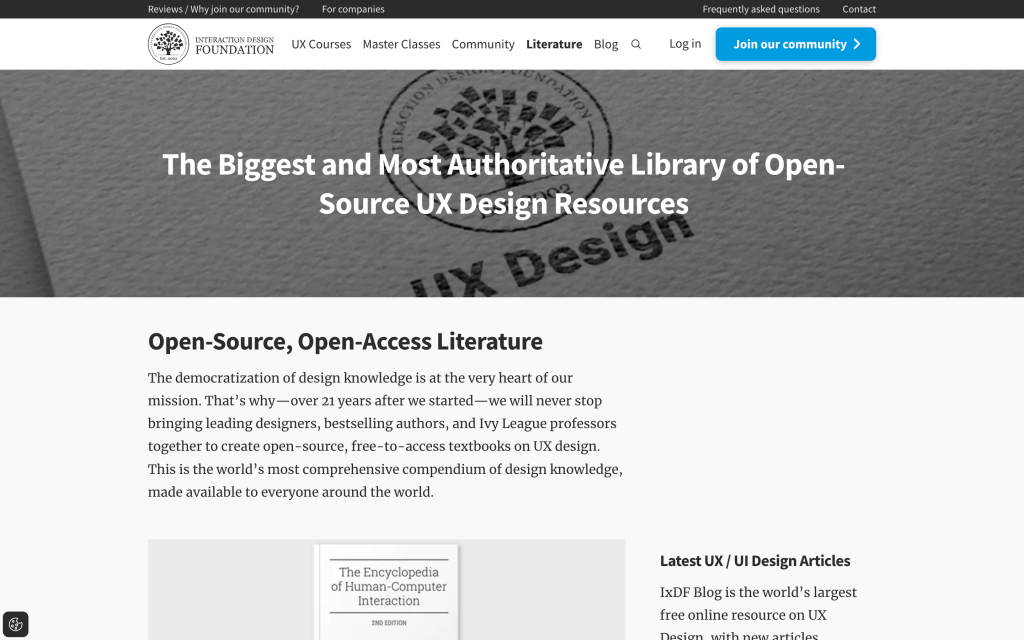
- Interaction Design Foundation Library – A massive compendium of UX-related literature, which is open-source and free-to-access.
THE UX JOURNEY CONTINUES
After a few years of working in the UX field (during which I thoroughly learned the definition of UX design), it’s clear that I am still on this journey of constant learning, empathizing with users, and applying both the creative and technical halves of my brain. I hope to share more of my experiences, academic findings, and resources on this blog.
Do you have any UX resources you’d like everyone to know about? Please feel free to share in a comment down below!
 Neha Pasnoori | Blog
Leave a comment